Lead the club
For club managers, in the order a season start needs them. Select Print for a paper copy; on paper, each Show me link becomes the path to the page.
Everything here is on the club's Manage page: select your club in the context bar under the navigation. Show me
Before enrollment
Club sports
Members see rounds only for the club's sports. Club Sports at the bottom of Manage lists them; select (change) to edit. A club needs at least one sport.
Divisions and distances
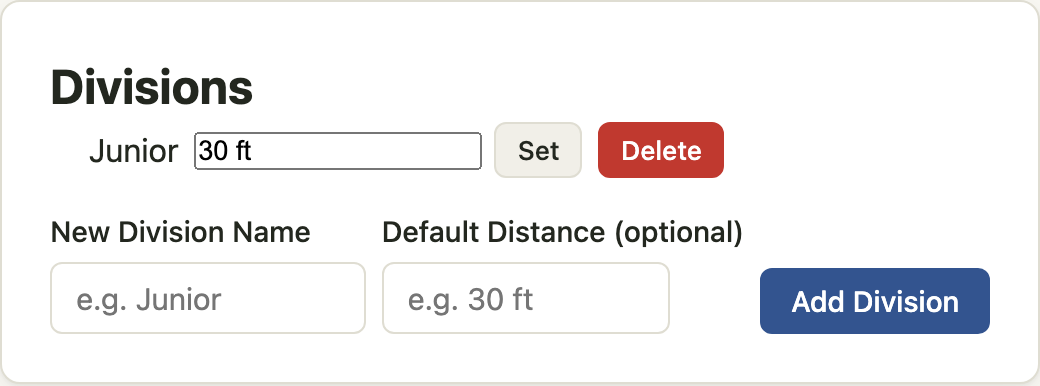
- Under Divisions, enter a name, for example Junior. If the division shoots at a set distance, enter it as the Default Distance, for example 10 yd. Select Add Division. Show me
- Repeat for each division. Change a distance later with Set.
A division's default distance pre-fills the distance on every new scoresheet for its members. It can be changed on the sheet.
Shoot nights and range masters
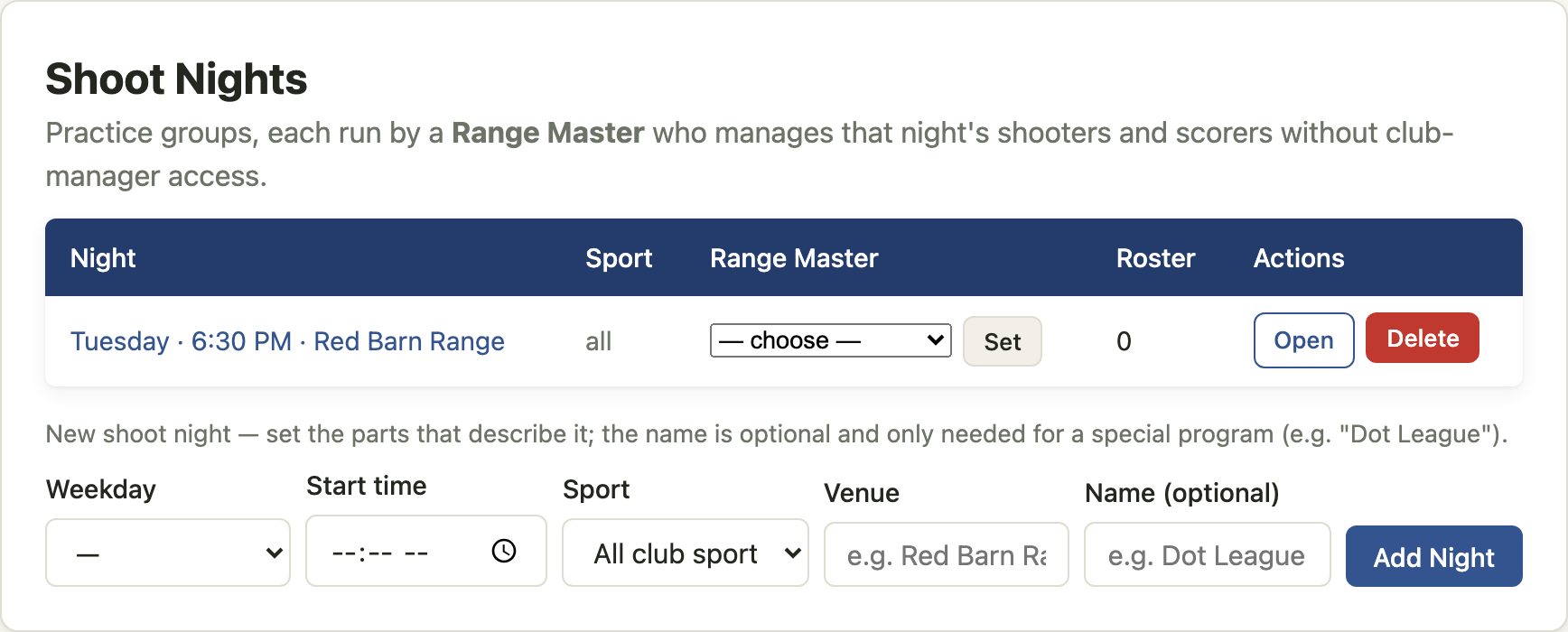
- Under Shoot Nights, set the parts that describe the night: weekday, start time, sport, venue. A Name is needed only for a special program. Select Add Night. Show me
- In the table, choose the night's Range Master and select Set. The range master must already be a member. Setting one also makes them a Scorer. Show me
- Give the range master the Run a night guide.
Enrollment
Invite code
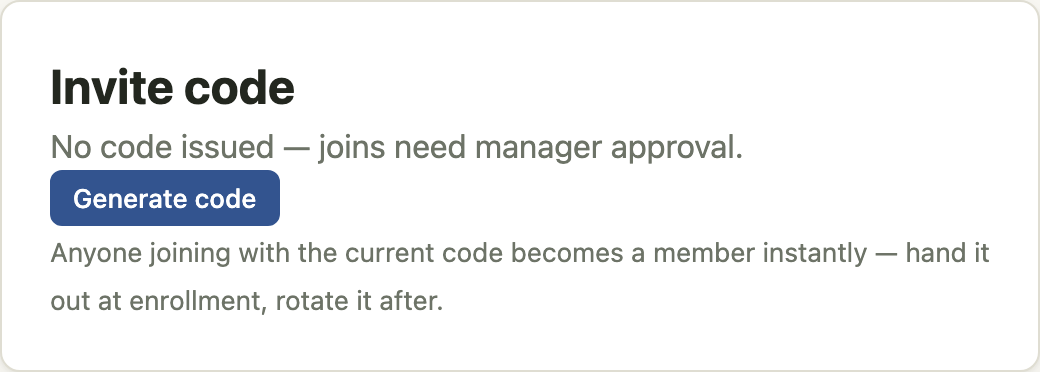
- Under Invite code, select Generate code. Show me
- Hand the code out at enrollment together with the Get started guide. Anyone who registers with it becomes a member immediately.
- After enrollment, select Rotate for a new code or Revoke for none. Later joins then need your approval.
Join requests
People who register without a code, or choose the club later, send a join request. While any are waiting, the club page and Summary show a notice with a Review button, and Join requests appears at the top of Manage. Select Accept or Reject for each. Show me
Until a request is accepted the person is not a member: they see nothing about the club and appear on no roster.
Archers without accounts
Archers who will not have their own account are managed archers. Scorers record their scores at shoot nights.
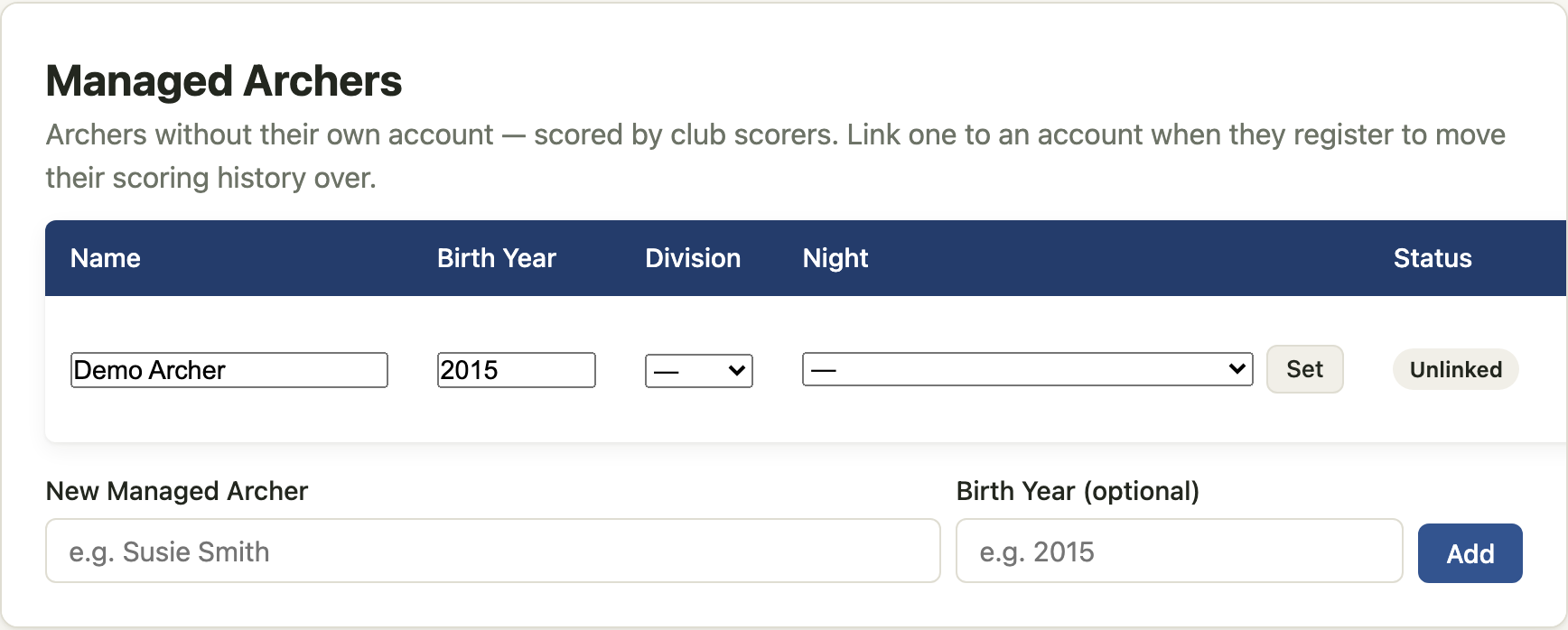
- Under Managed Archers, enter the display name and, optionally, the birth year — not required, but it shows on the roster and helps when you assign divisions. Select Add. Show me
- In the table, set the archer's Division and select Save; choose their Night and select Set.
- When the archer later registers and joins the club, use Link to account… on their row. Their scoring history moves to the account. This cannot be undone.
Members
Current Members lists everyone who has joined. For each member:
- Division — choose and select Set. Show me
- Night — the night they regularly attend. A shoot started from that night pre-fills its line from this.
- Payment — a paid-until date. The cards at the top of Manage count paid and unpaid members.
- Make Manager gives full club access. Make Scorer lets a member run shoots without manager access. Remove drops them from the club; their scores stay with their account.
Add Member adds an existing account by username, without a join request.
During the season
- Summary — who has a sheet in progress, recent sheets, and group shoots. Show me
- Reports on a member's row — that member's score history.
- Compare Selected — tick members, choose a round, compare their scores.
- Club page — what members see: shoot nights, recent results, and the roster as first name and last initial.
Privacy
Members see each other as first name and last initial. Full names, usernames, and email addresses are visible only on Manage and to site administrators. Nothing about members is shown to anyone outside the club.