Get started
For archers and parents who do not have an account yet: create an account, join your club, sign in.
1. Create an account
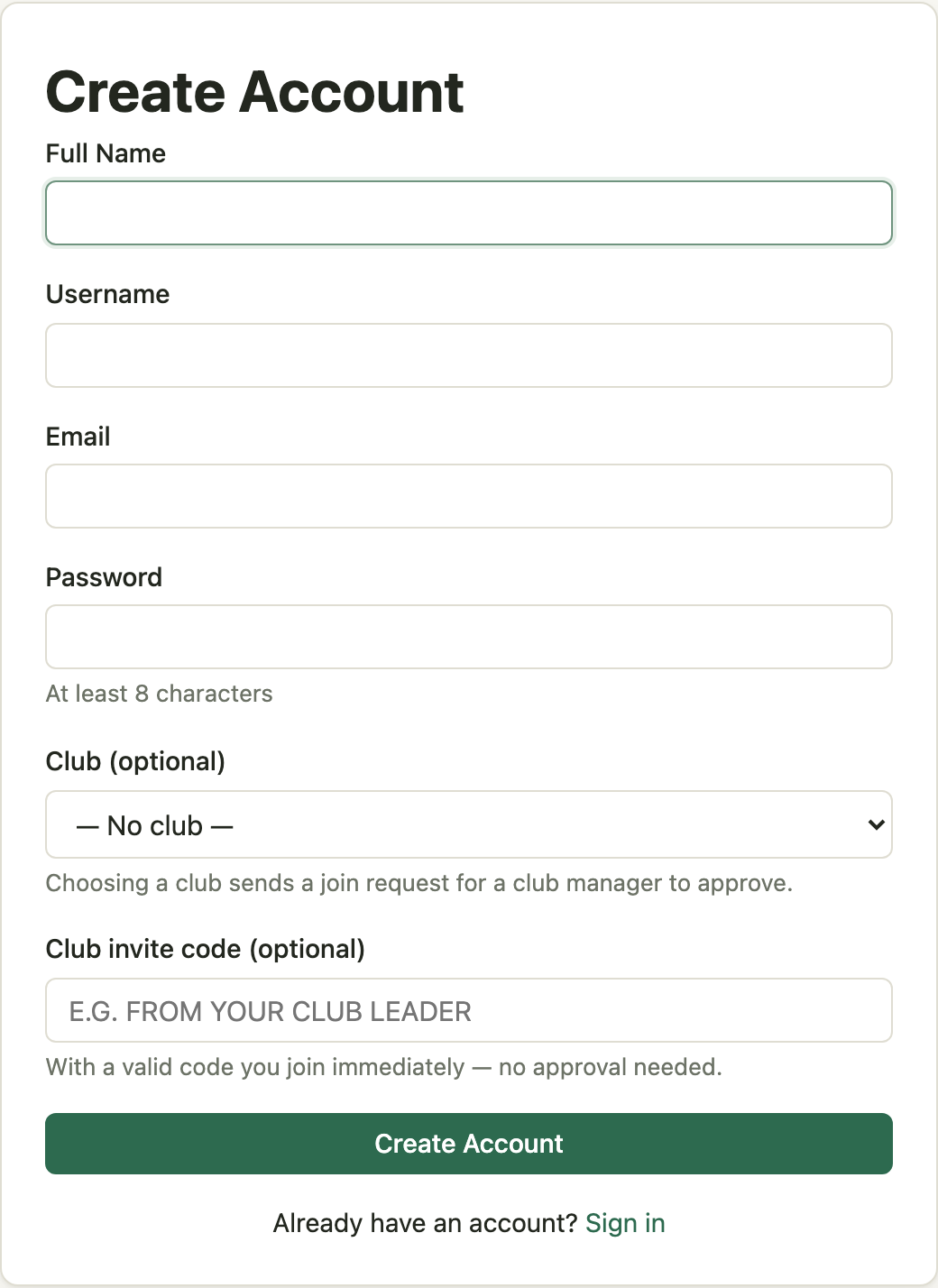
- Open the Register page. Show me
- Enter your full name, a username, your email address, and a password of at least 8 characters.
- The username is what you sign in with. Letters, numbers,
-and_only. It cannot be changed later. - Other club members see you as first name and last initial, for example Susie S. Your full name is visible only to the club's leaders.
- The username is what you sign in with. Letters, numbers,
- If your club leader gave you an invite code, enter it. With a valid code you are a member of that club as soon as the account is created, and you do not need to choose the club from the list. Show me
- Without a code, choose your club from the Club list. The club receives a join request, and a leader approves it.
- Select Create Account. You are signed in and land on My Scores.
While a join request is waiting, My Scores shows a notice. You can withdraw the request from My Profile.
2. Join a club after registering
If you did not choose a club when you registered:
- Open All clubs in the context bar under the navigation. Show me
- Select your club.
- Enter the invite code if you have one and select Join. With a code you are a member at once, and the club page says so. Without one, the club receives a join request. Show me
3. Sign in
- Open Login. Show me
- Enter your username and password and select Sign In.
If you forget your password, select Forgot your password? on the Login page. A reset link goes to the email address on your account.
Where things are
- My Scores — your scoresheets and the + New Score button. See Enter scores.
- The context bar under the navigation shows whose record you are working in: Your record, or a club when you hold a club role.
- My Profile — your name in the navigation. Change your name, email, or password; see your clubs.
- Help — these guides, from every page.